WaveMail gives every email your WordPress site sends your logo, colours and words — password resets, welcome emails, comment notices, contact forms and other plugins’ plain emails. No code, with a live preview.
One design for every email your website sends
Rewrite WordPress's own emails — or switch them off
Live preview and test emails
Pro: your own templates, other plugins' emails and an email log
Version 2.1.0 · Pro 1.2.0 · WordPress 6.5 or newer · PHP 8.0 or newer
Looks right in Gmail, Outlook and Apple Mail
Works with any SMTP plugin
No tracking, no external services
Free core with no limits
Built and used by ESoftWave
Why it matters
Life before and after WaveMail
Without WaveMail
Plain, unbranded emails that look like spam
Password resets full of long raw links
Every plugin's emails look different
Admin notices you never asked for
No way to tell whether an email went out
With WaveMail
Your logo, colours and footer on every email
Clear wording with one big button
Contact forms and plugins share one design
Switch off the emails you don't need
An email log with status and resend (Pro)
Email design
One look forevery email.
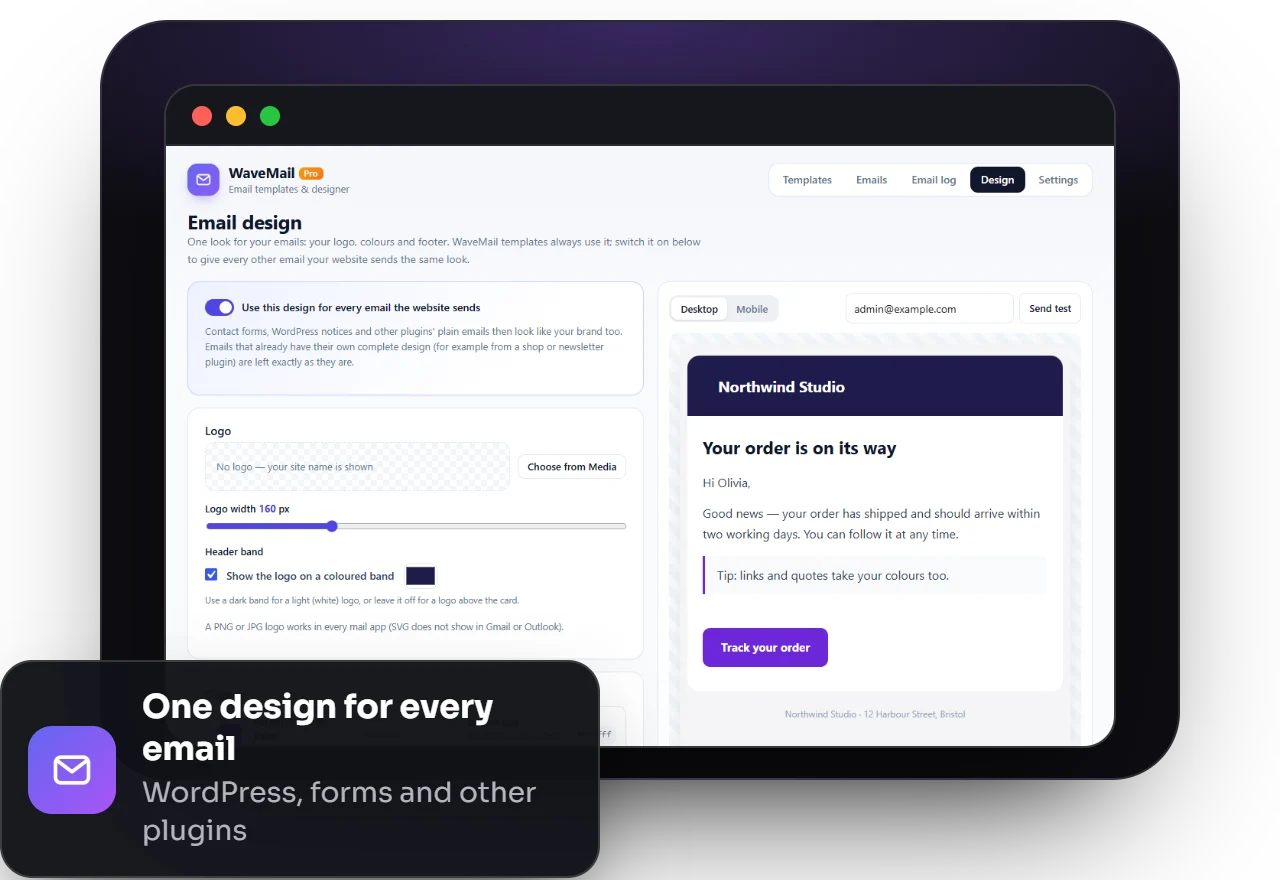
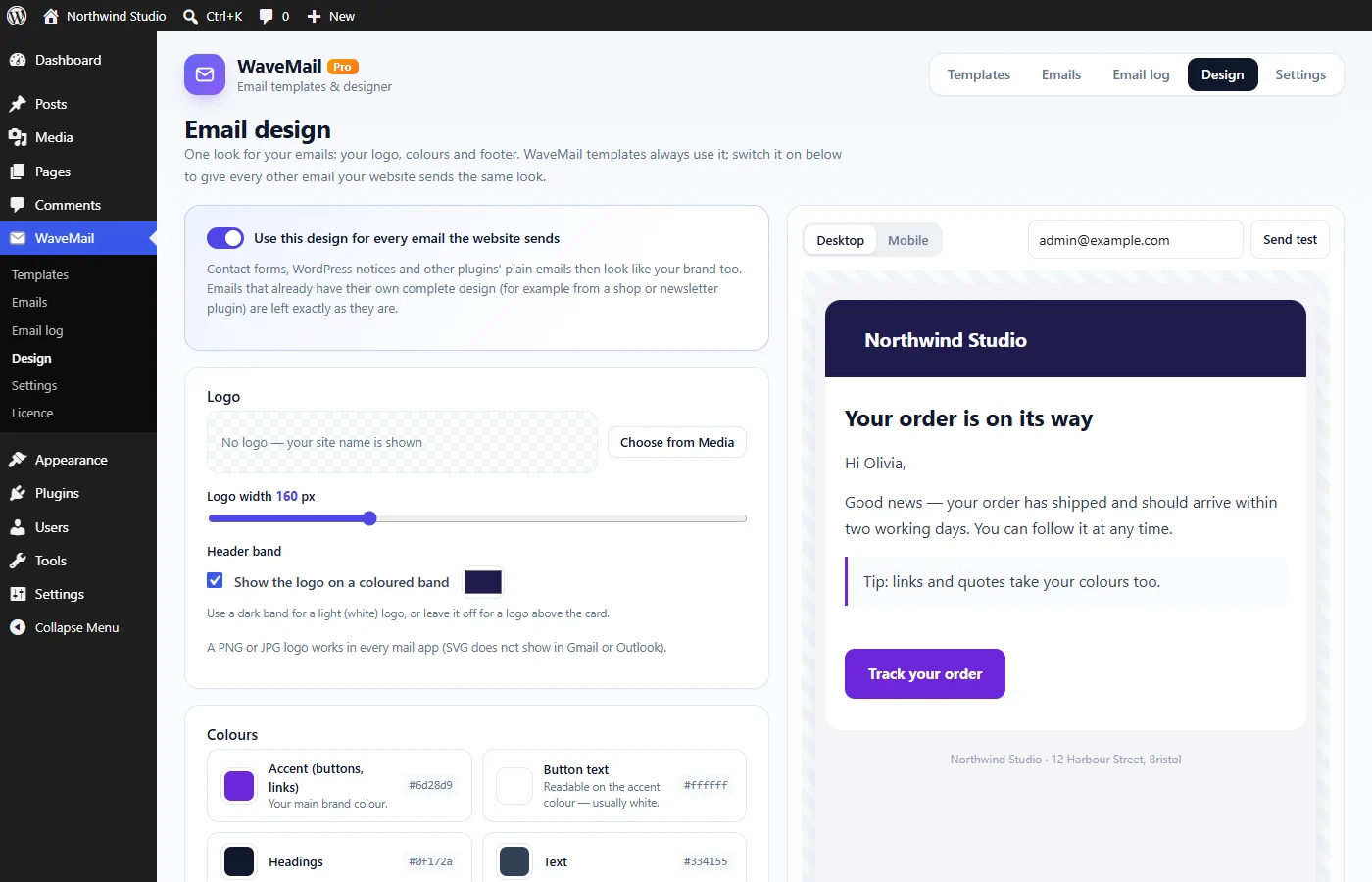
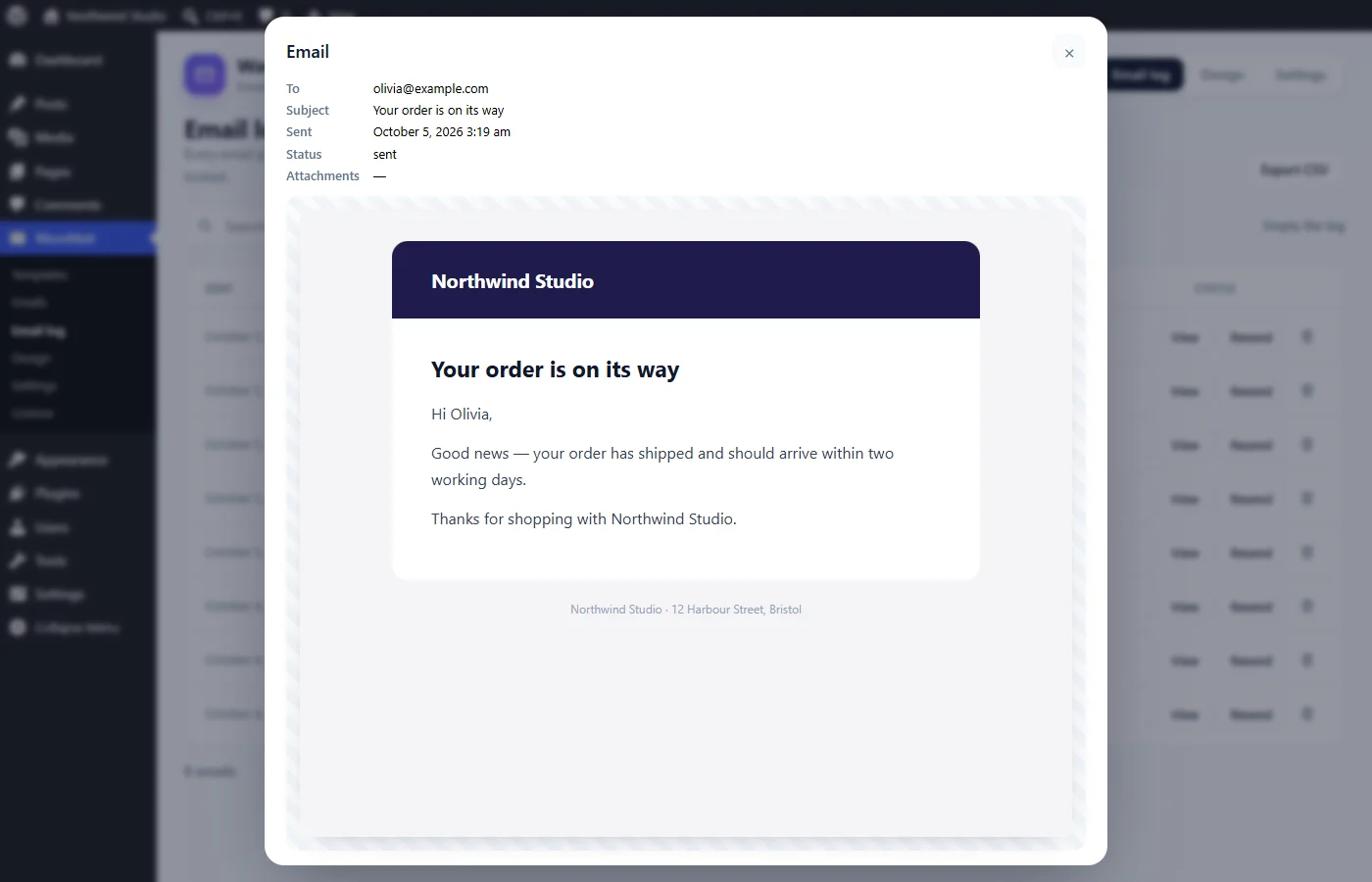
Add your logo, pick your colours, font and corners, and write a footer — with a live desktop and mobile preview. One switch gives every email your website sends the same professional look, including contact forms and other plugins’ plain emails.
Logo, header band, colours, font and corners
Live preview on desktop and mobile
Emails with their own design (shops, newsletters) are left untouched
Built for real inboxes: Gmail, Outlook and Apple Mail
WordPress's own emails
Your words,not WordPress's.
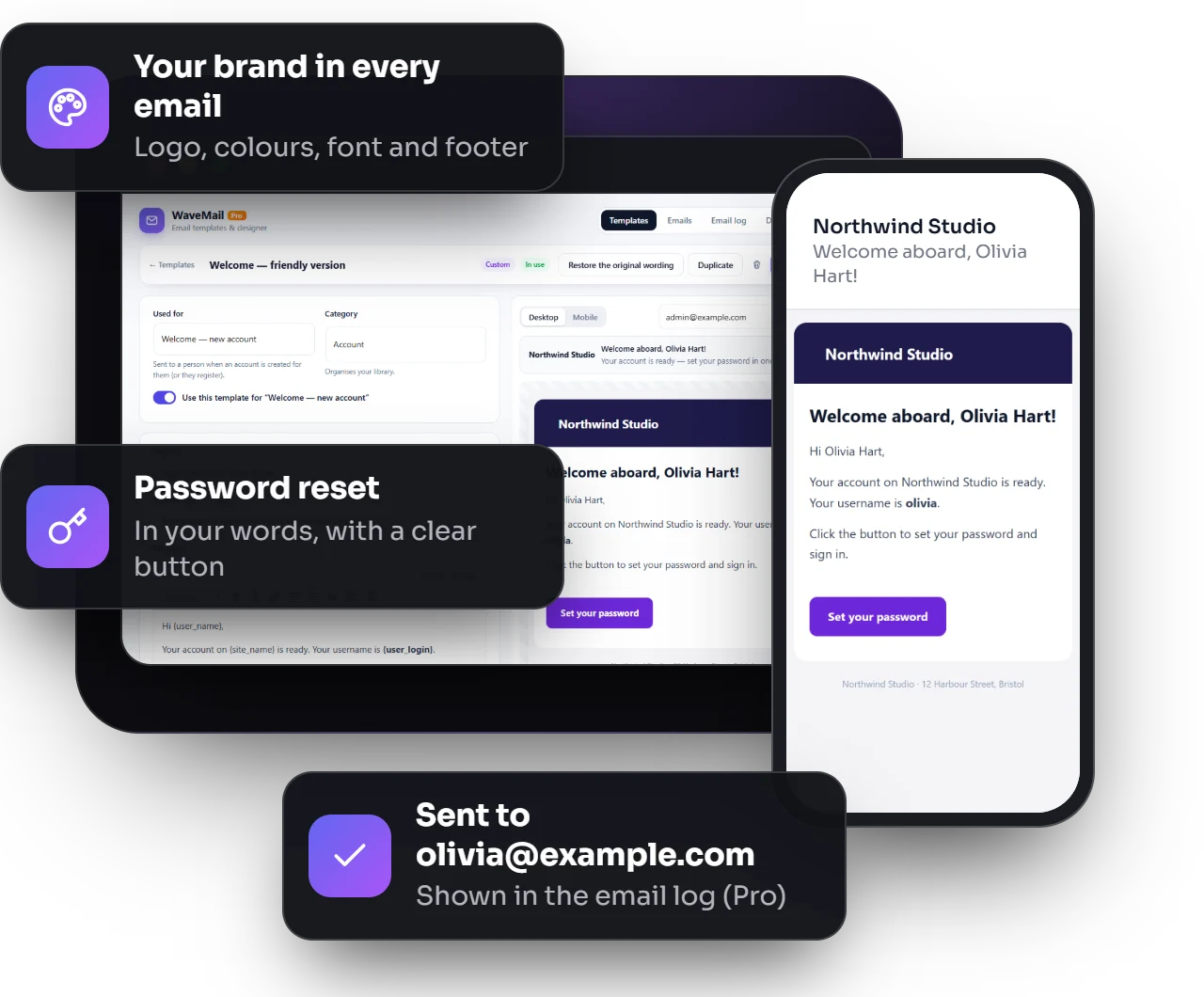
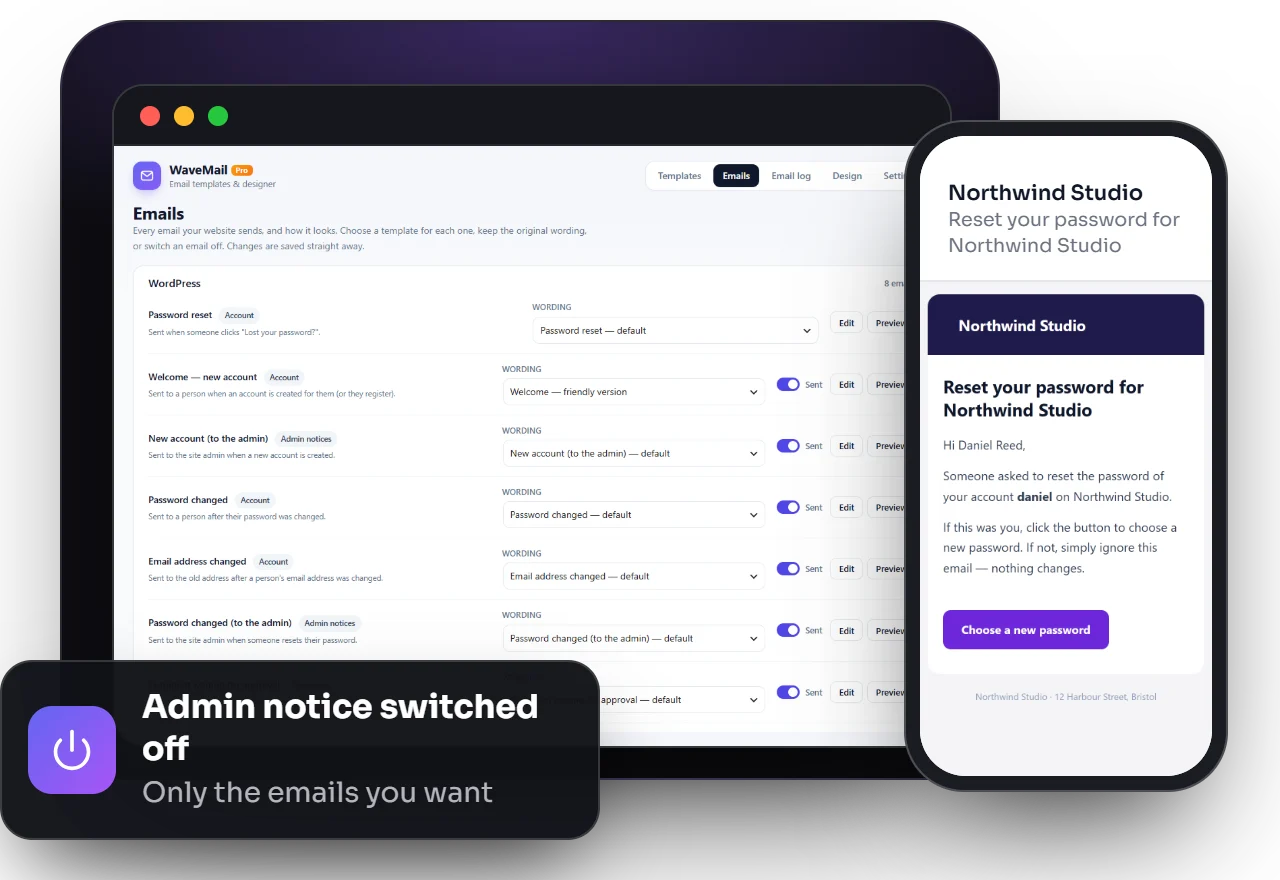
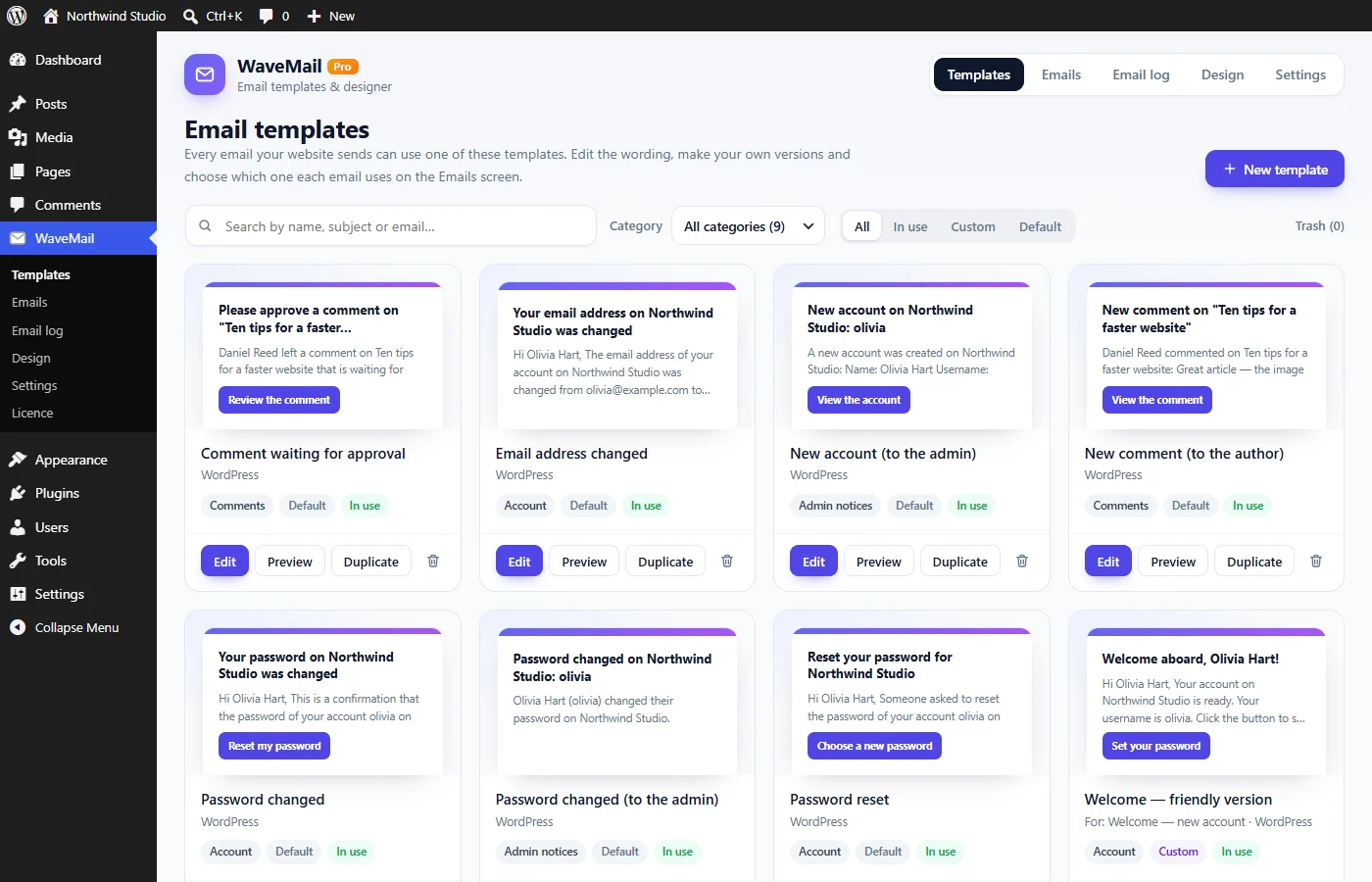
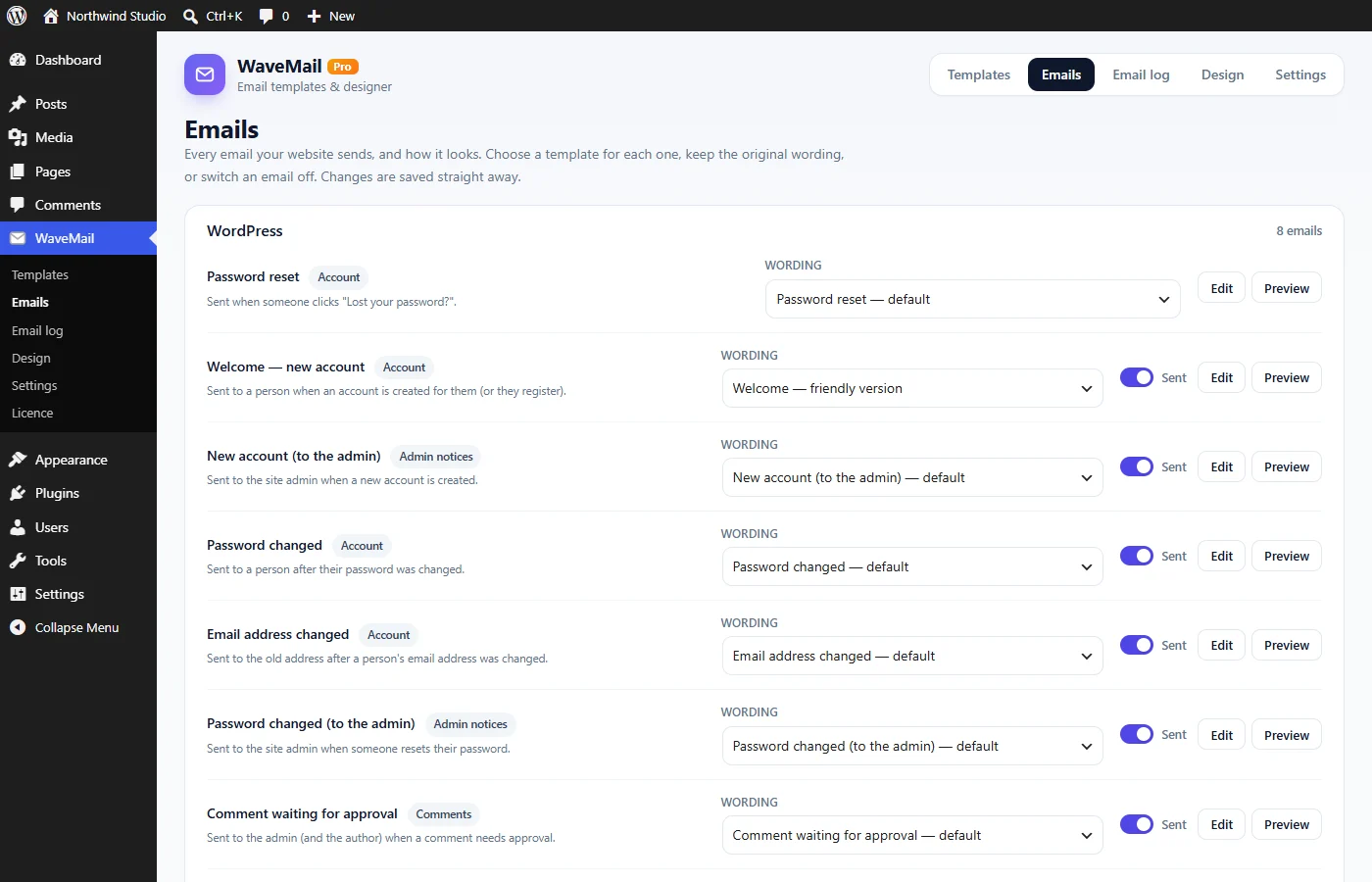
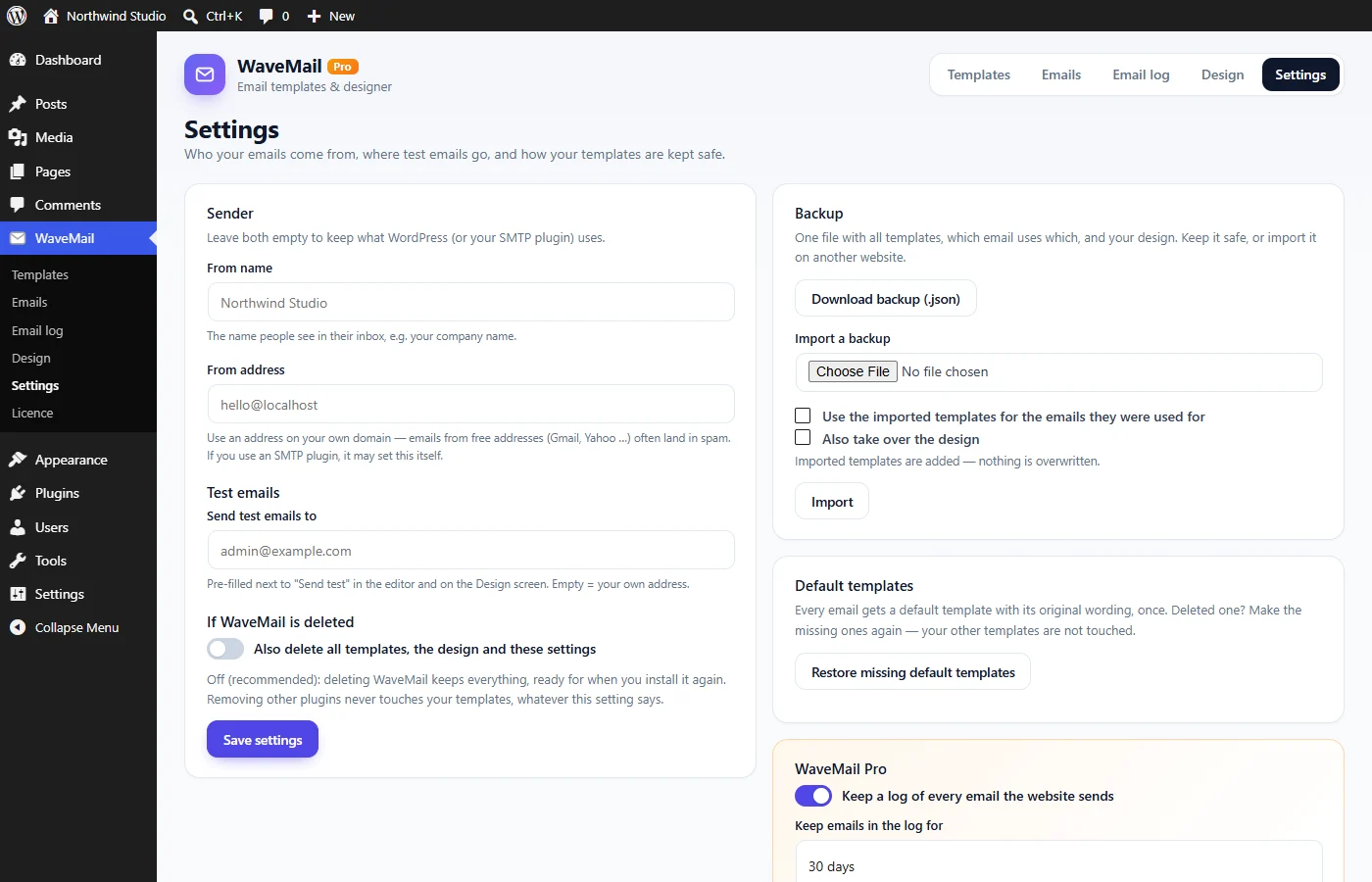
Rewrite the emails WordPress sends — password reset, welcome, password changed, email address changed and comment notices — each with a clear button. Keep the original wording where you like, or switch an email off.
Password reset and welcome emails with a button
Admin notices you can switch off
Go back to WordPress's original wording any time
Changes apply straight away
Your own templates · Pro
Write once,reuse anywhere.
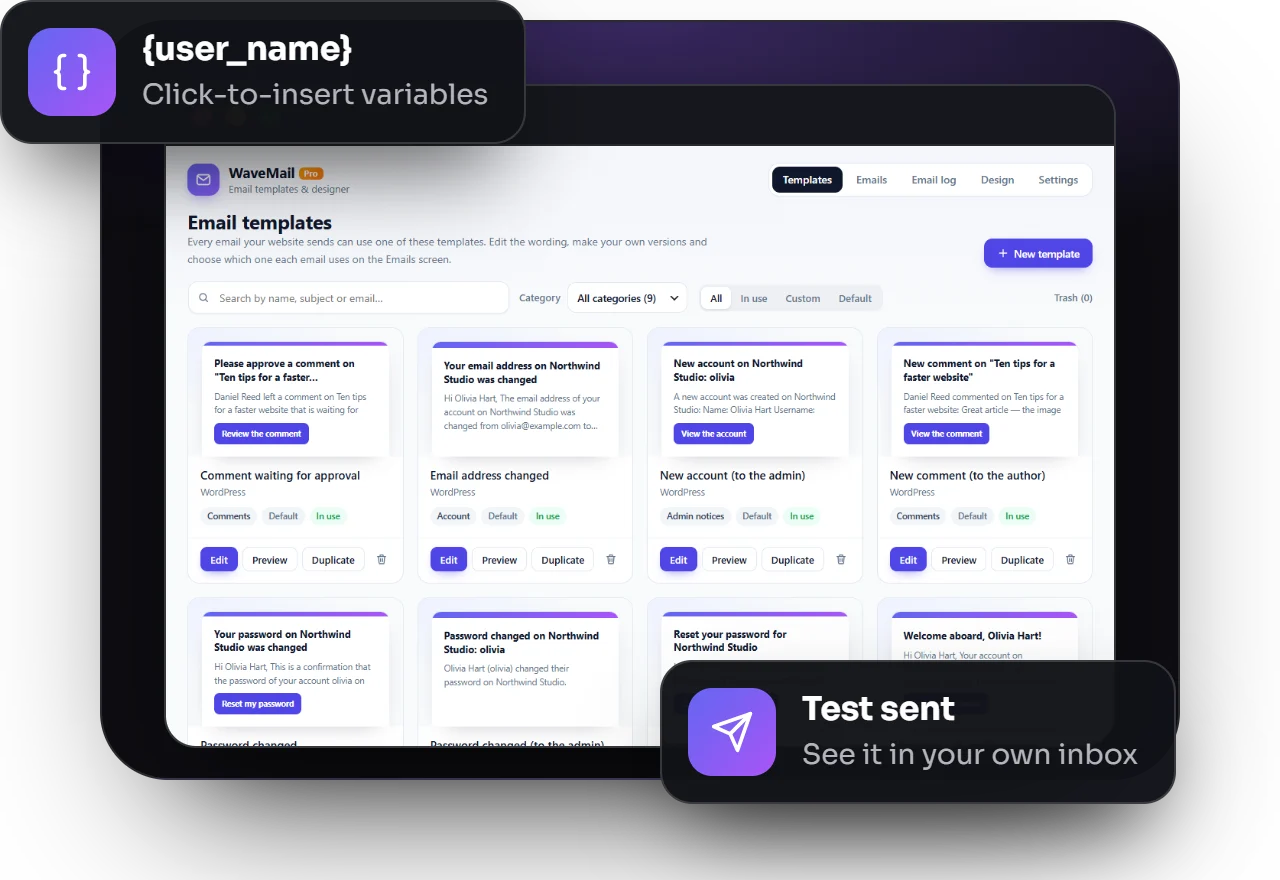
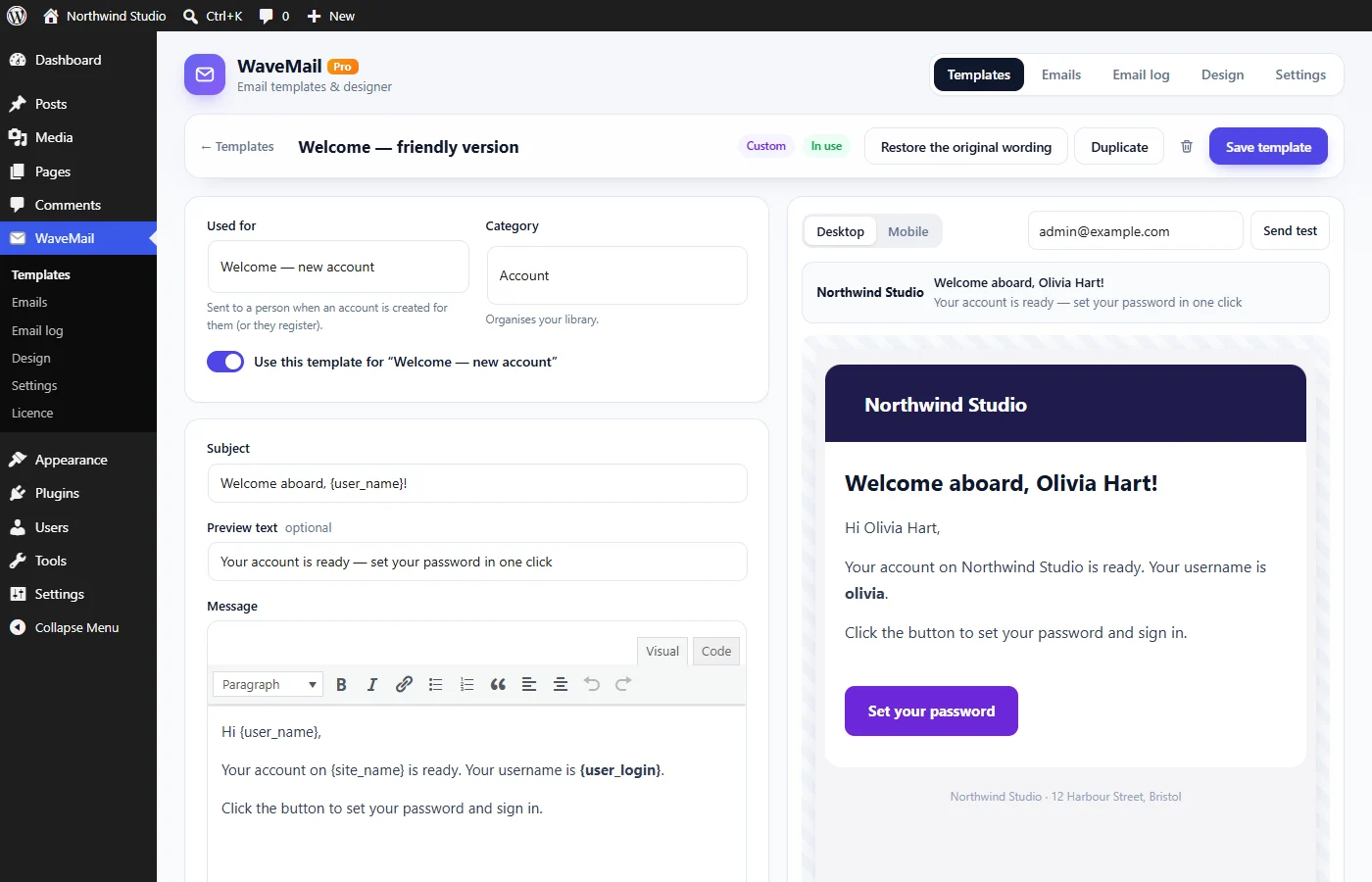
Write your own templates — a friendly and a formal welcome, a seasonal version — and switch an email between them in one click. General templates work for any email, and backup and import copy everything to your next website.
Several versions per email, switched in one click
General templates for any email
Duplicate, your own categories and a Trash
Backup and import to another website
Email log · Pro
Know every emailwent out.
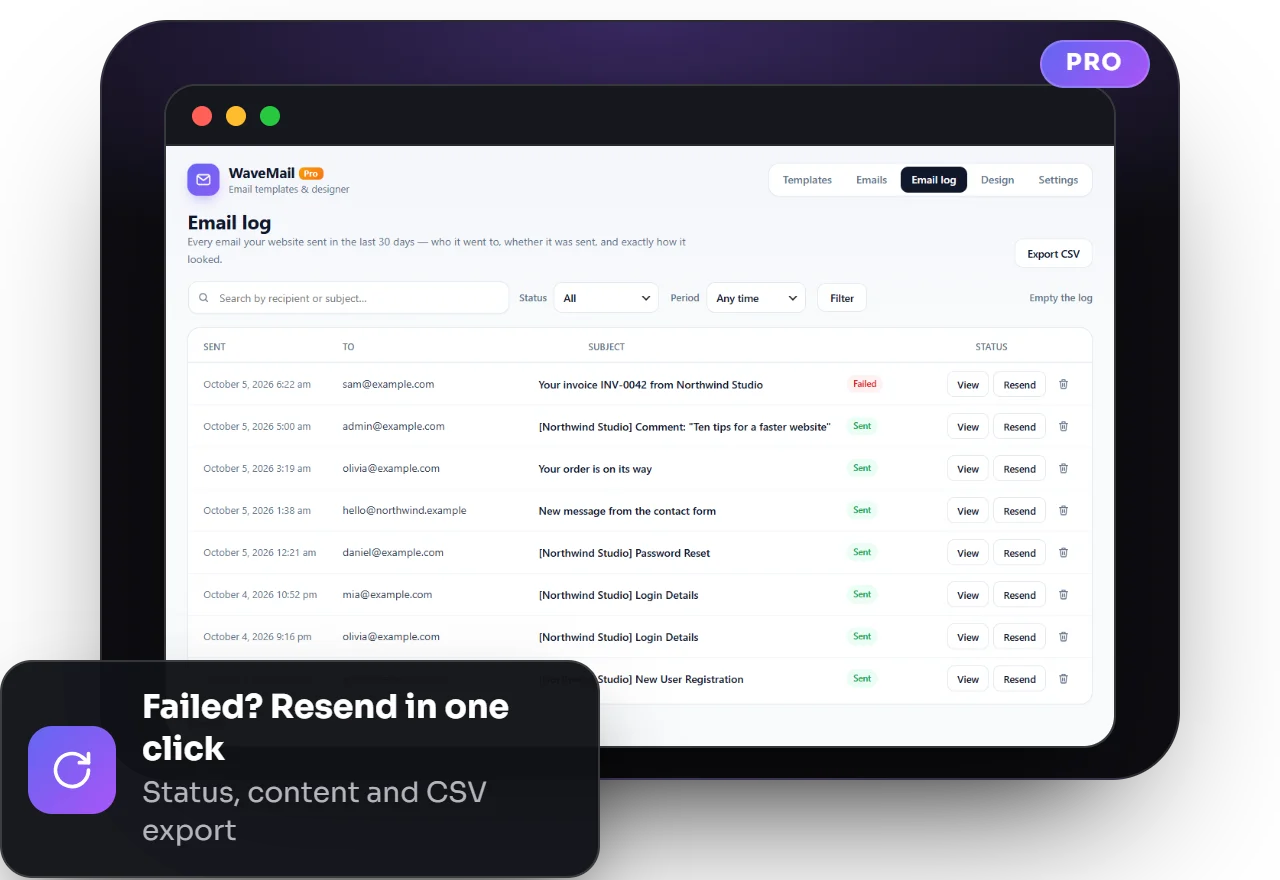
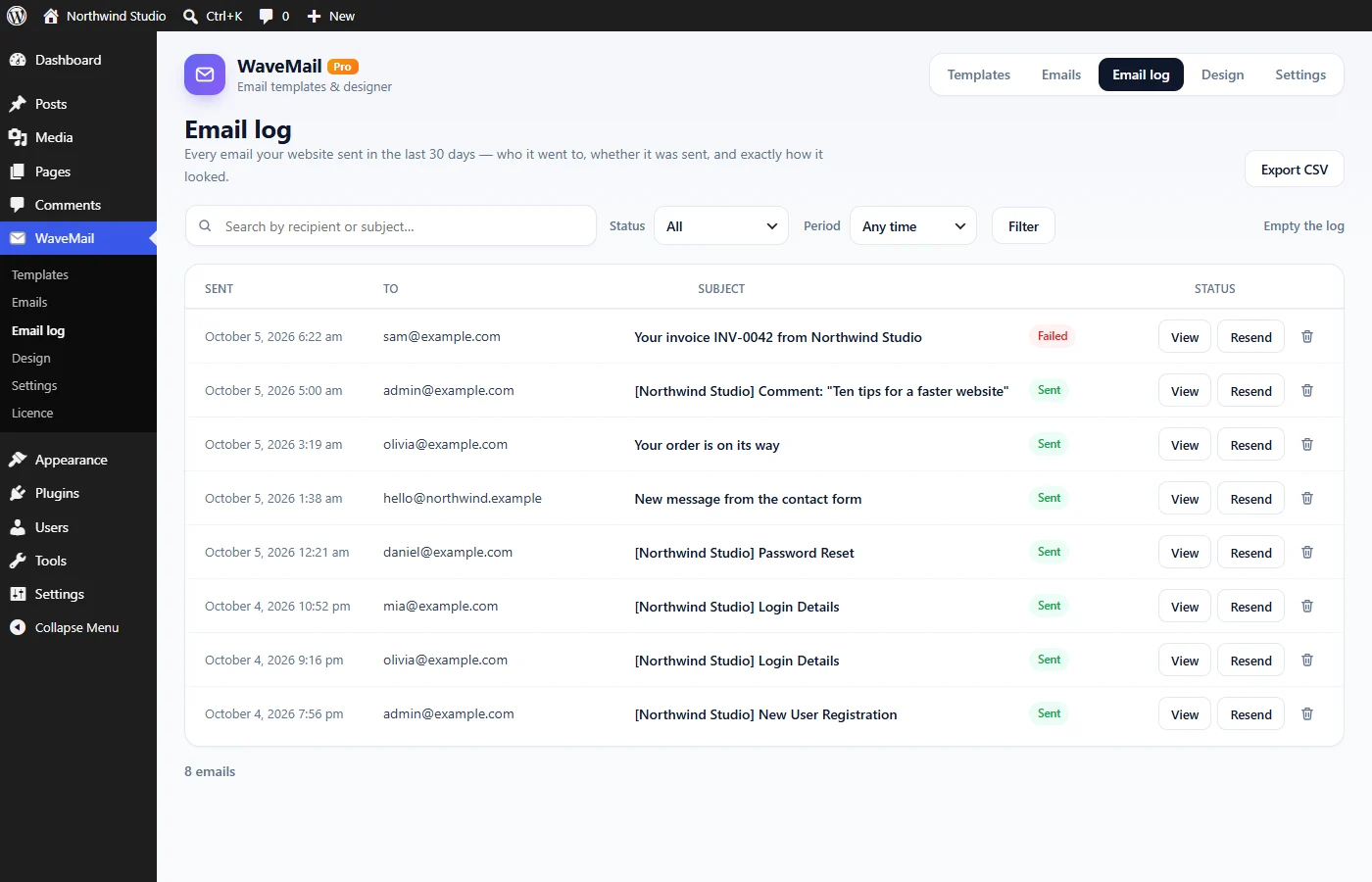
WaveMail Pro keeps a log of every email your website sends: who it went to, the subject, the time and whether it was sent. Open any email exactly as it was sent and resend it in one click.
Status: sent, failed or not confirmed
View the full email as it was sent
Resend in one click, search, filters and CSV export
Automatic clean-up after 7, 30, 90 or 365 days
Product tour
Take a look inside
Use the arrows to browse the screens — click any screenshot to see it full size.
Free makes every email look professional. Pro makes it yours.
The free WaveMail gives every email your design and lets you rewrite WordPress’s own emails, with no limits. Pro adds your own templates, the emails of your other plugins, backup and a complete email log.
What you get
Free
Pro
Email design
Logo, colours, font, corners and footer
One design for every email the website sends
Live desktop and mobile preview
WordPress's own emails
Edit the template of each WordPress email
Variables, live preview and test emails
Switch emails off, or keep WordPress’s wording
Your own templates
Several versions per email, switched in one click
General templates for any email, duplicate and Trash
Backup and import — copy everything to another website
Other plugins and developers
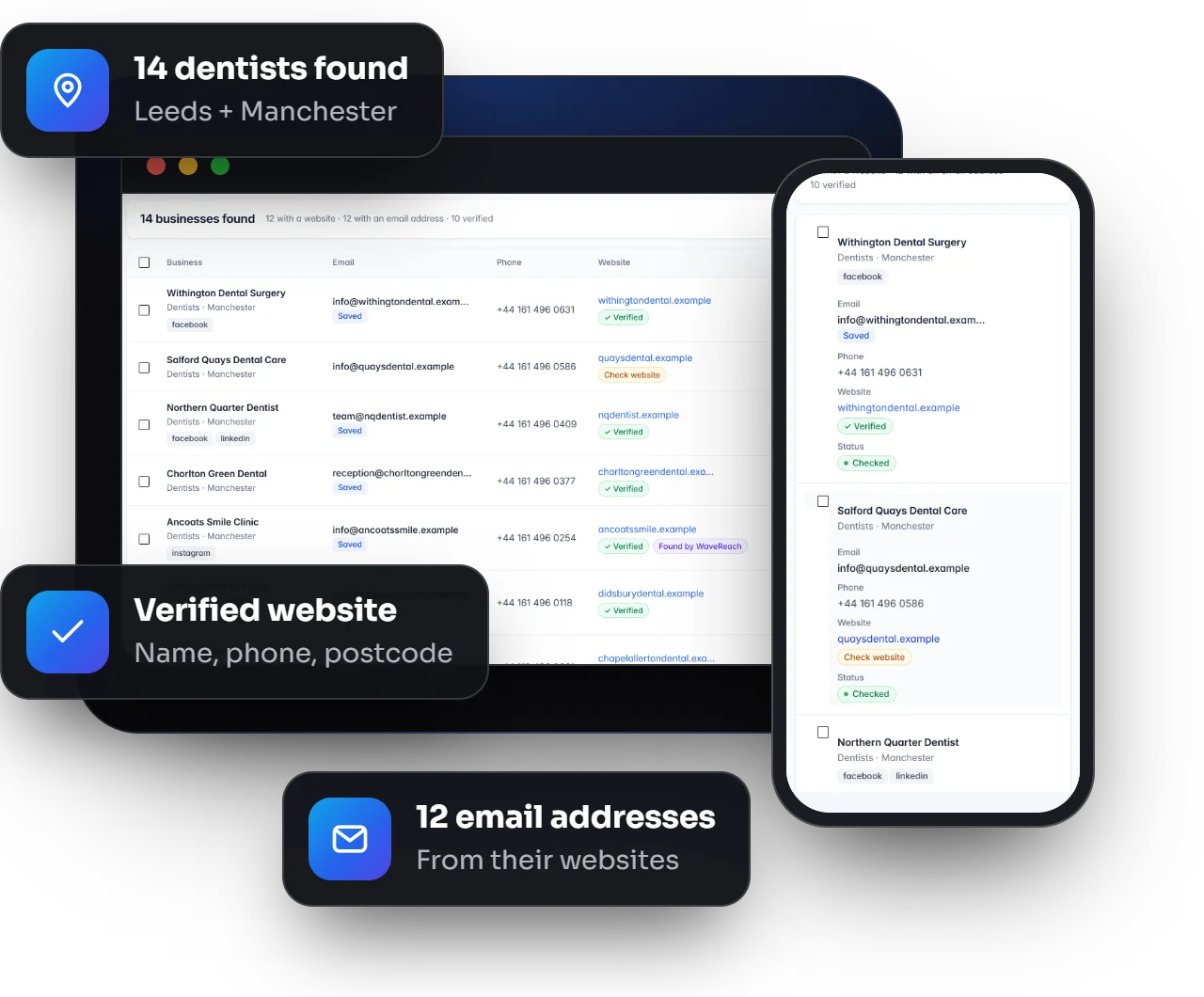
Other plugins’ emails in WaveMail (for example ESoftWave Project Manager)
Developer functions to add your own emails
Email log
A log of every email the website sends, with its status
How buying works: tap a plan to message us on WhatsApp, we send you the payment details, and your licence key arrives by email after payment. Install Pro next to the free plugin, paste the key — done.
Prices in US dollars. Need Pro on several websites, or an invoice for your company? Ask us on WhatsApp.
Licences and updates
How licences work
Updates in your dashboard
New versions appear under Dashboard → Updates like any other plugin, with “View details” showing what changed.
Keeps working when it ends
A licence covers updates and support — not the features. When it ends, everything Pro does keeps working.
Renew or upgrade any time
Extend with any plan or move to Lifetime. Your key stays the same; your website notices by itself.
Move to a new website
One website at a time per licence. Deactivate it on the old site and activate it on the new one in seconds.
The free version stays free
Pro is an add-on. Remove it any time — your design and WordPress emails keep working, and your own templates wait for Pro.
Secure by design
Licences are checked over HTTPS and downloads are only handed to active licences. Pro never stops your site.
How it works
Up and running in minutes
01
Install WaveMail
Upload the plugin and activate it. Your emails keep working exactly as before until you change something.
02
Make it yours
Add your logo and colours under WaveMail → Design, then rewrite the emails you care about.
03
Add Pro when you need it
Install WaveMail Pro next to it and paste your licence key. Your own templates, other plugins’ emails and the email log are there at once.
Made for
Who WaveMail is for
Agencies & freelancers
Give every client website professional, on-brand emails in minutes — no code and no email service.
Business & shop owners
Password resets, welcome emails and notices that look as good as your website and build trust.
Plugin developers
With WaveMail Pro, register your plugin’s emails in a few lines of code; they appear in WaveMail with variables and previews.
Peace of mind
Why you can rely on it
No external services
WaveMail shapes the emails on your own website; WordPress (or your SMTP plugin) sends them as before.
No tracking, no ads
Nothing is sent to us or anyone else. Pro only checks its licence and downloads updates.
Your templates are safe
Templates are stored by WaveMail itself and kept when you uninstall (unless you choose otherwise); Pro adds backup files.
Leaves designed emails alone
Emails that already have their own complete design — from a shop or newsletter plugin — are left exactly as they are.
Translation-ready
Every text can be translated, so your dashboard and your emails speak your language.
Built and used by ESoftWave
We run WaveMail on our own website, together with ESoftWave Project Manager — so it is shaped by real daily use.
Yes. The free WaveMail gives every email your design and lets you rewrite, preview, test and switch off WordPress’s own emails — with no limits. Message us for a copy; it will also be listed on WordPress.org.
What does Pro add?
Your own templates (several per email, general templates, duplicate, Trash), the emails of your other plugins with developer functions, backup and import, and an email log with resend, search and CSV export. Pro is a separate add-on you install next to the free plugin.
Can I create my own templates in the free version?
In the free version you edit the template of each WordPress email. Extra templates — several versions per email, or general ones for any email — are part of Pro.
Does WaveMail work with ESoftWave Project Manager?
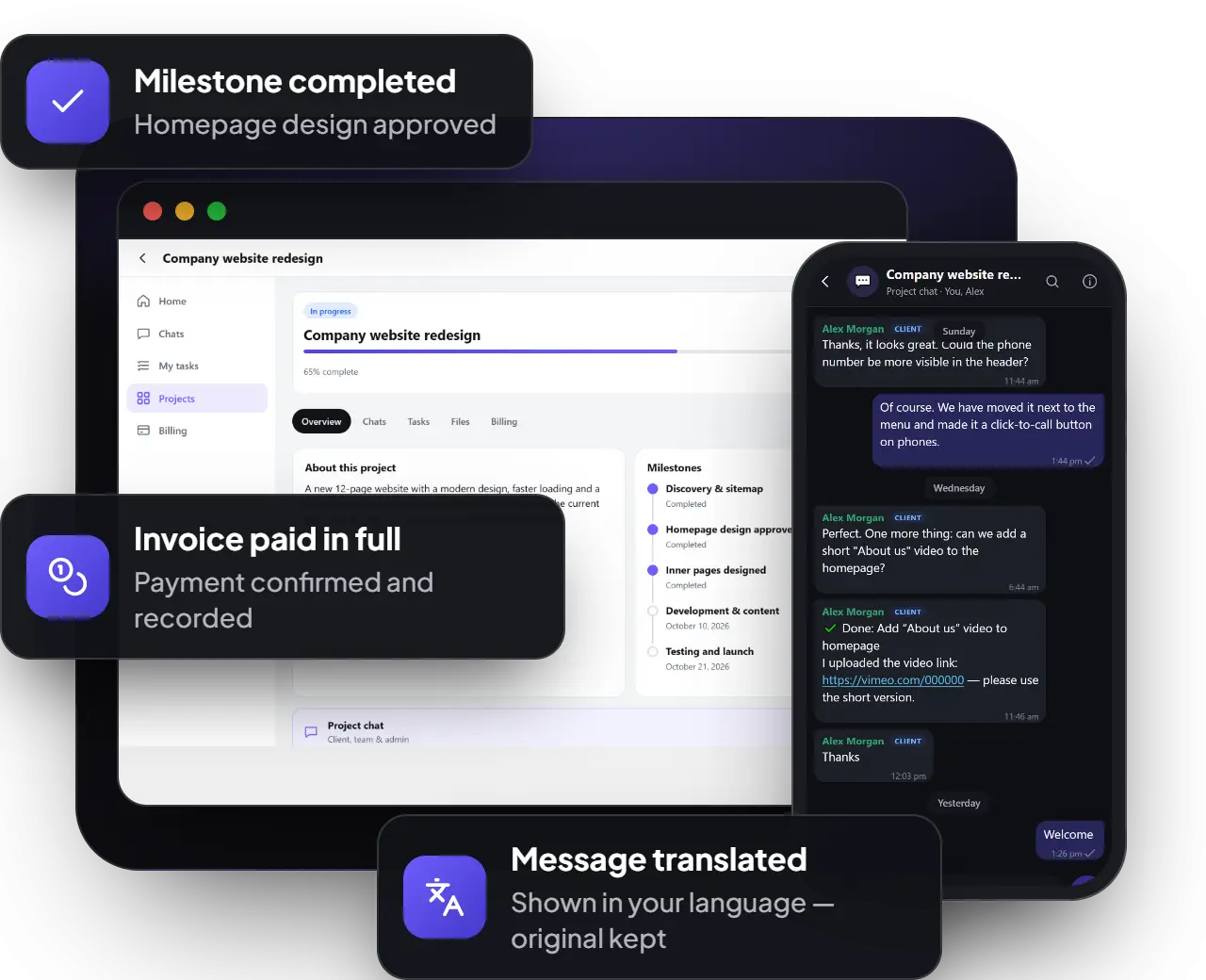
Yes, with WaveMail Pro: all ESoftWave Project Manager client emails appear in WaveMail with their own variables and previews. Without Pro, ESoftWave Project Manager simply uses its own wording.
Does WaveMail send emails itself?
No. WaveMail shapes the emails; WordPress sends them as before — through your SMTP plugin, if you use one.
Will it change emails from my shop or newsletter plugin?
Only plain emails get your design. Emails that come with their own complete design are left untouched.
Will my emails look right in Gmail and Outlook?
Yes. The design is built for real inboxes — tables and inline styles, 600 px wide and full width on phones — and works in Gmail, Outlook and Apple Mail.
What happens to my templates if I remove WaveMail?
They stay in your database and come back when you install WaveMail again, unless you choose to delete them. With Pro you can also download a backup file.
What happens when my licence ends?
Everything keeps working. You simply stop receiving new versions and support until you renew — with the same key, whenever you like.
Can I renew or upgrade later?
Yes. Renew with any plan, or upgrade to Lifetime at any time. Your key stays the same and your website picks up the change by itself.
Can I use one licence on several websites?
A licence covers one website at a time. You can move it whenever you want: deactivate it on one site and activate it on another. For several websites, ask us about a multi-site licence.
How do I pay?
Choose a plan above to message us on WhatsApp. We send you the payment details, and your licence key arrives by email after payment.
Does the email log store personal data?
It stores the emails your website sent — recipients and content — in your own database. You choose how long to keep them, and deleting WaveMail Pro removes the log.