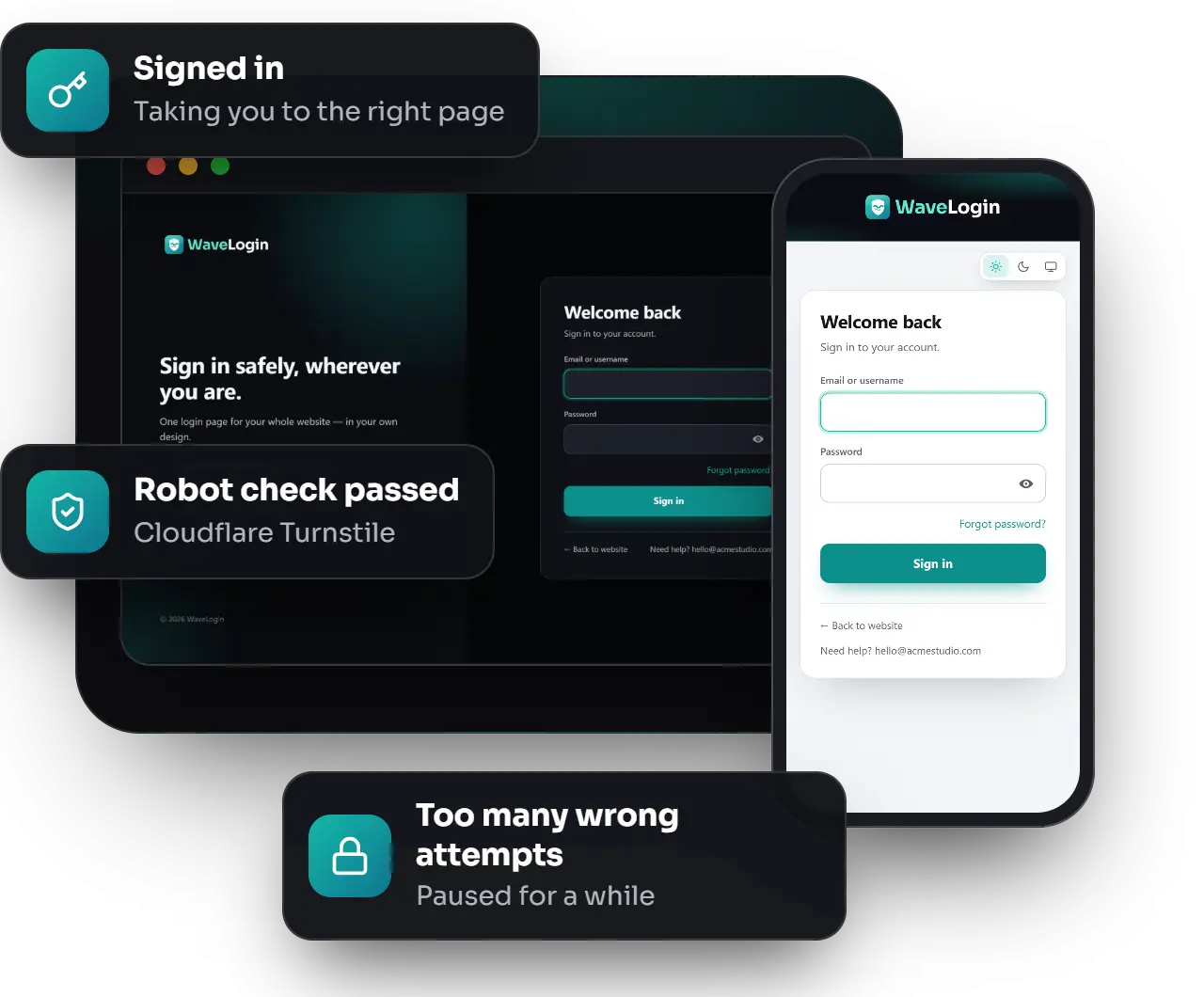
A custom login page plugin that replaces the standard WordPress login with a polished, secure page in your own design — and send every client, team member and administrator straight to the right place.
Current version: 2.0.0 · WordPress 6.2 or newer (tested up to 7.1) · PHP 7.4 or newer
Why it matters
Life before and after WaveLogin
Without WaveLogin
Clients land on the plain WordPress login screen
Everyone ends up in the dashboard, whatever their role
Password-guessing robots hammer wp-login.php and XML-RPC
No record of who signed in — or who tried
With WaveLogin
A branded page that matches your website
Each role goes straight to its own area
Attempt limits on every route, plus an optional robot check
A clear log of every sign-in and failed attempt
Design
Your design,ready in minutes
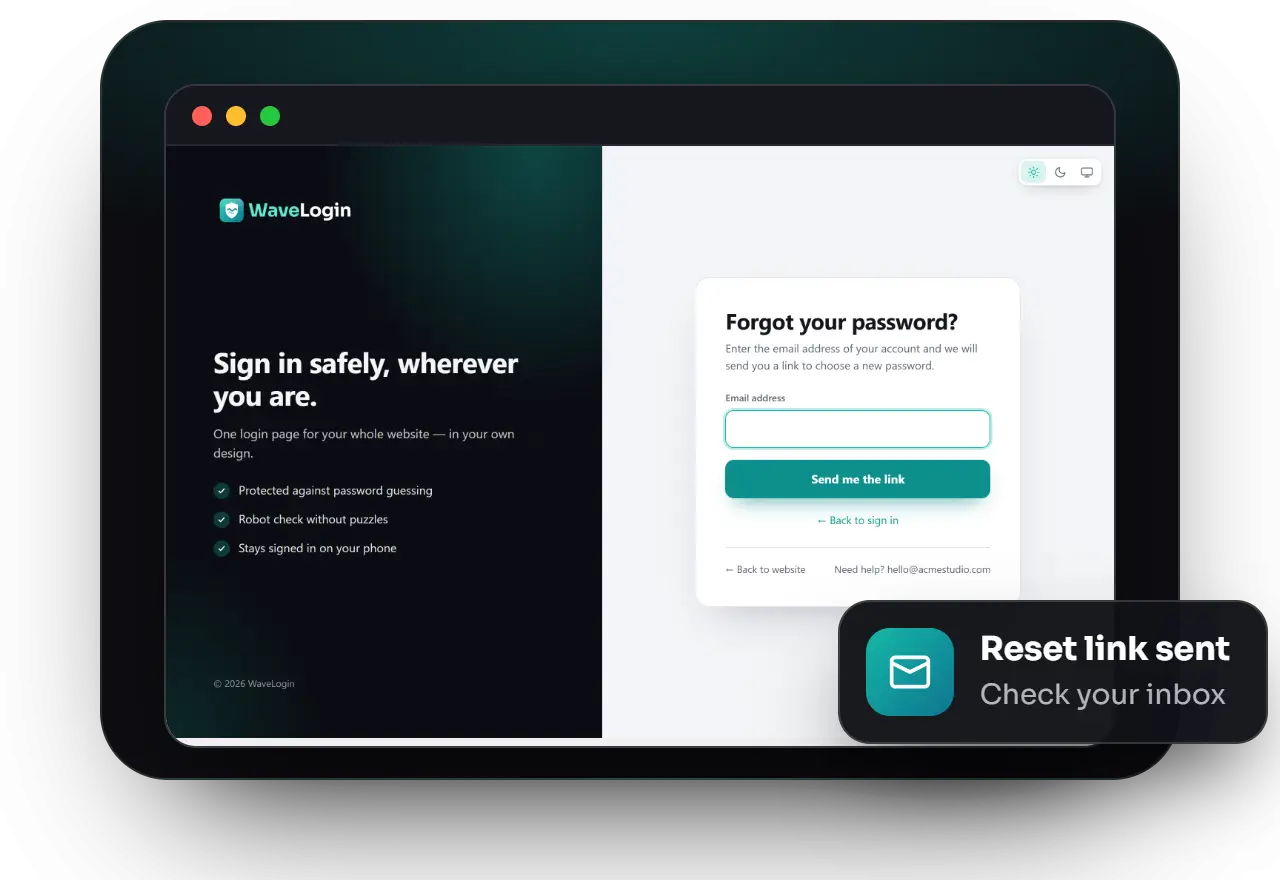
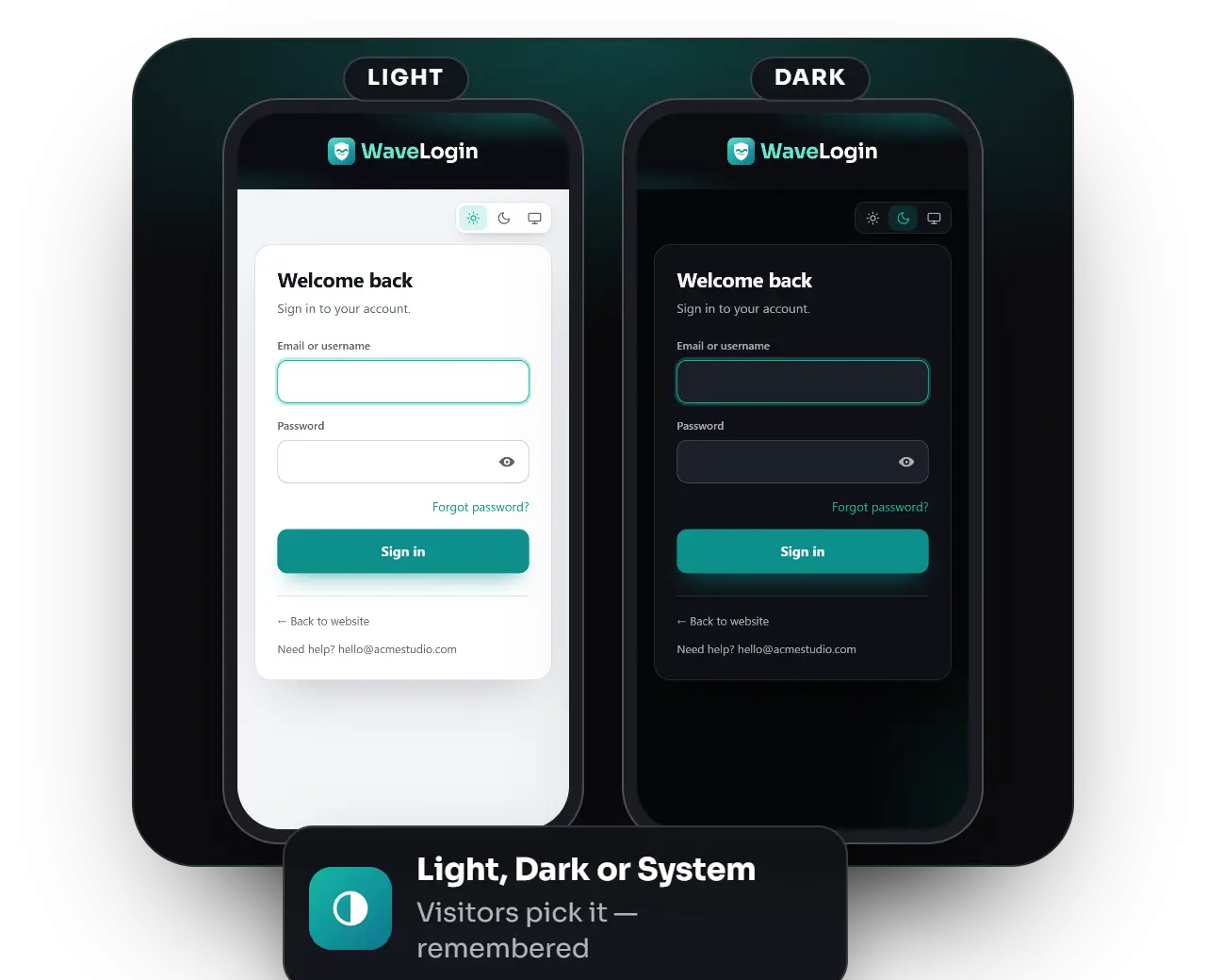
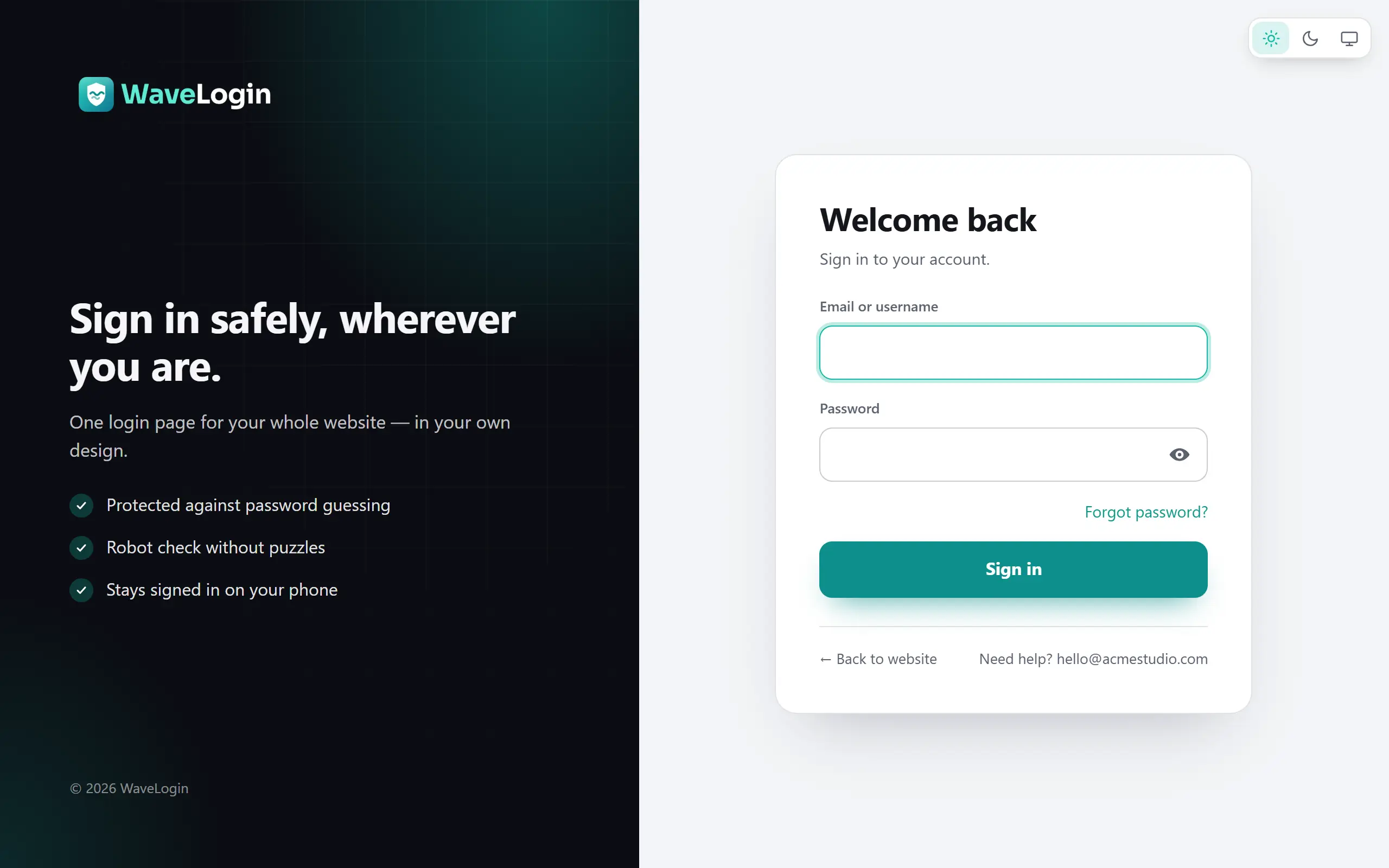
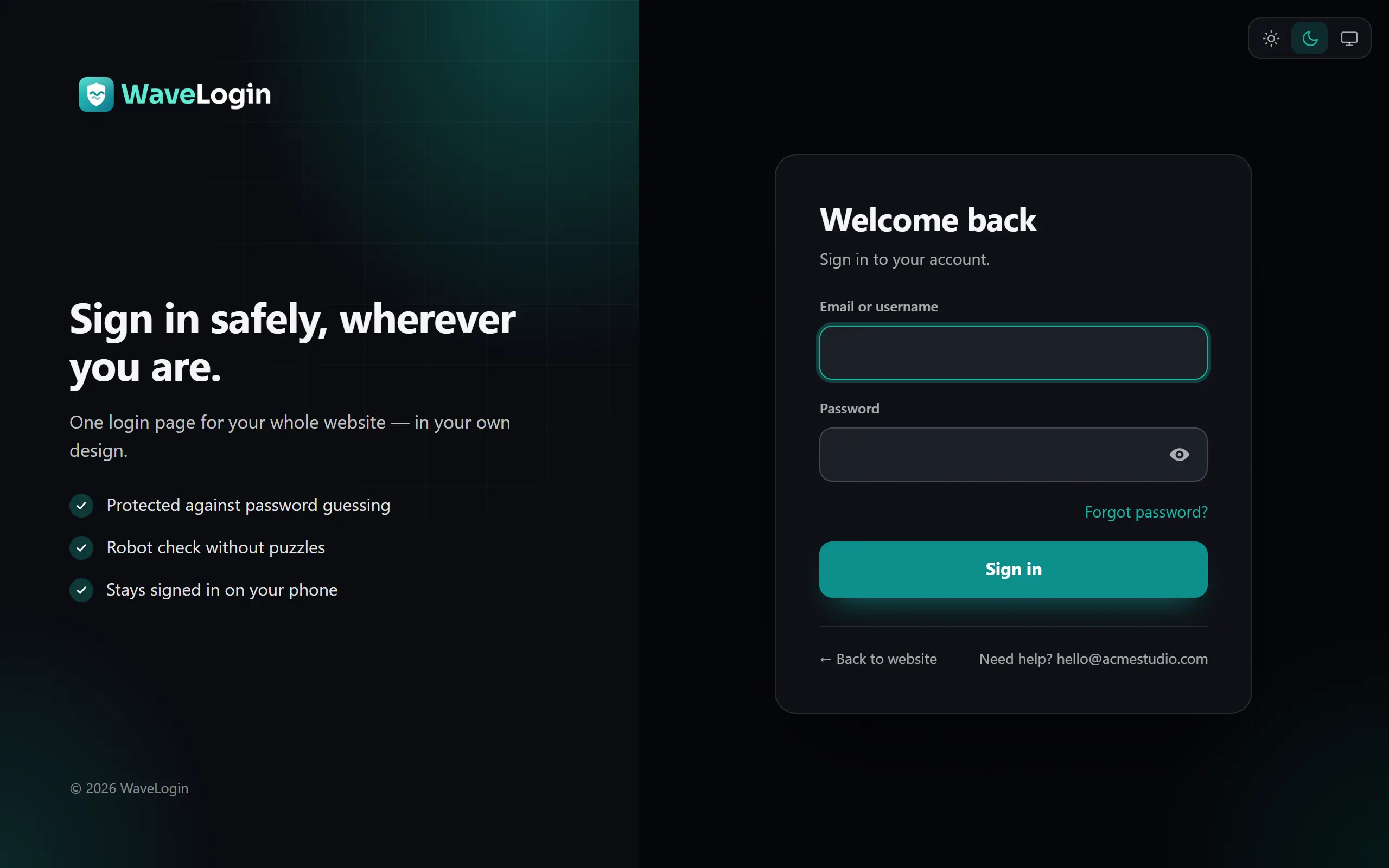
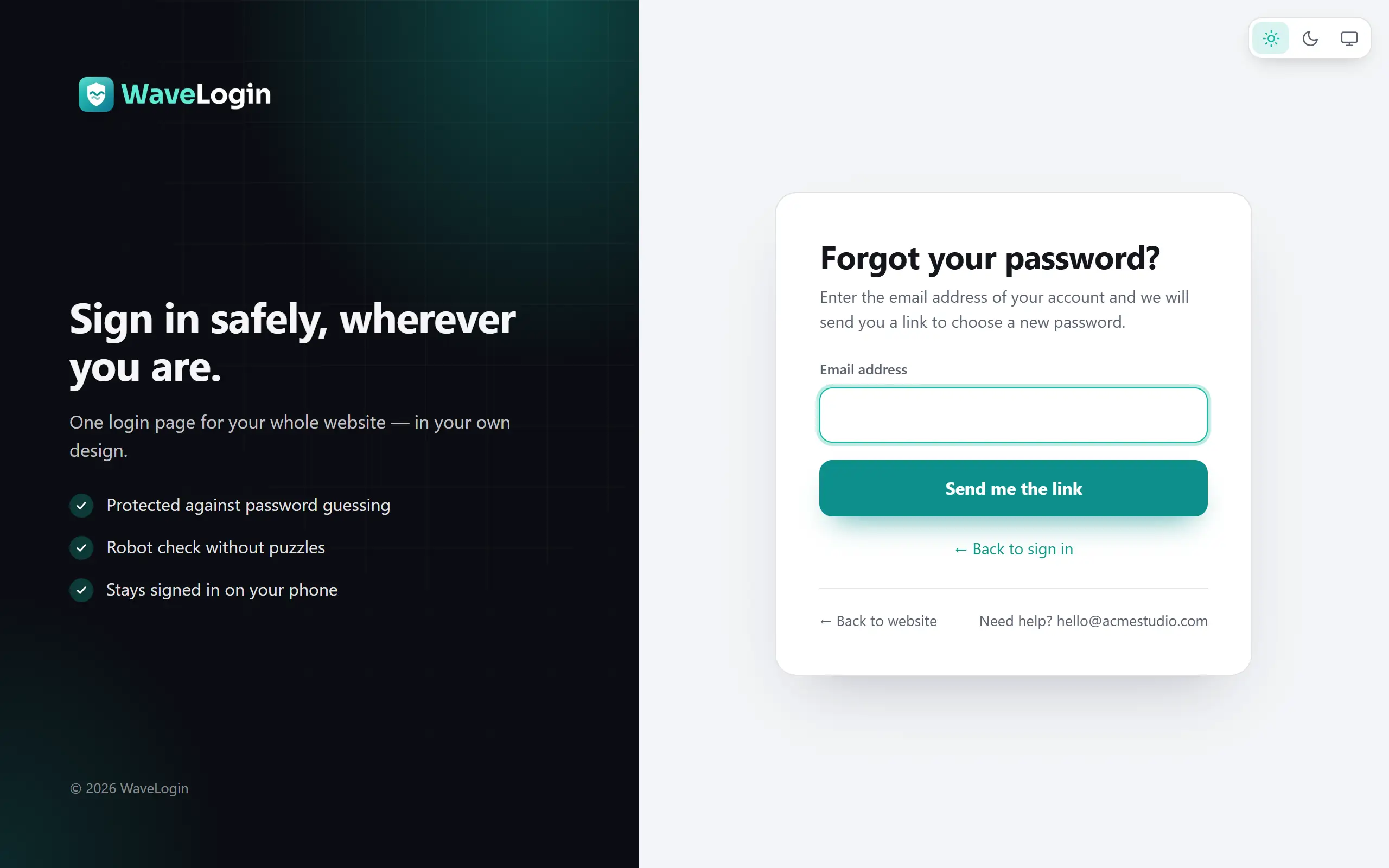
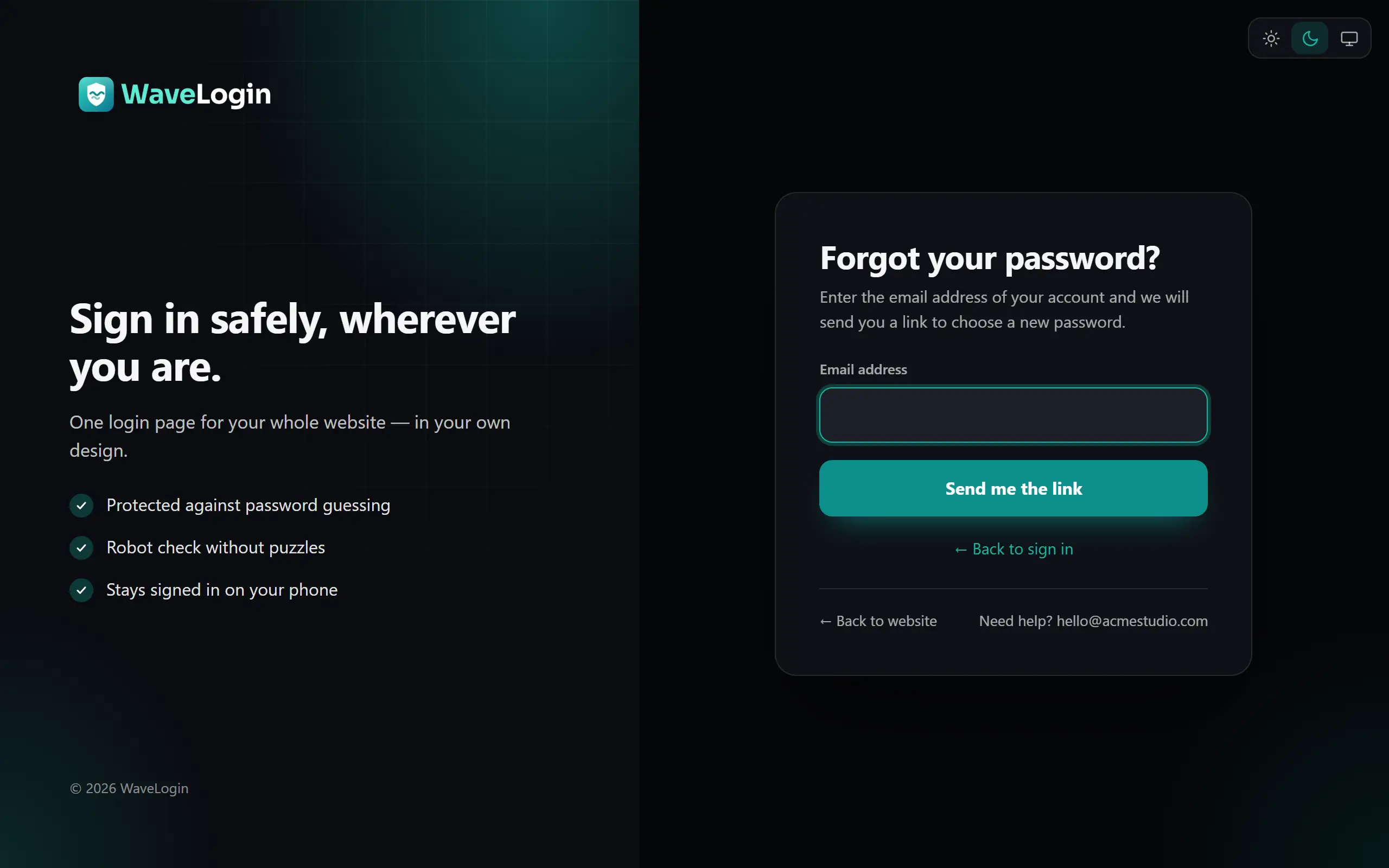
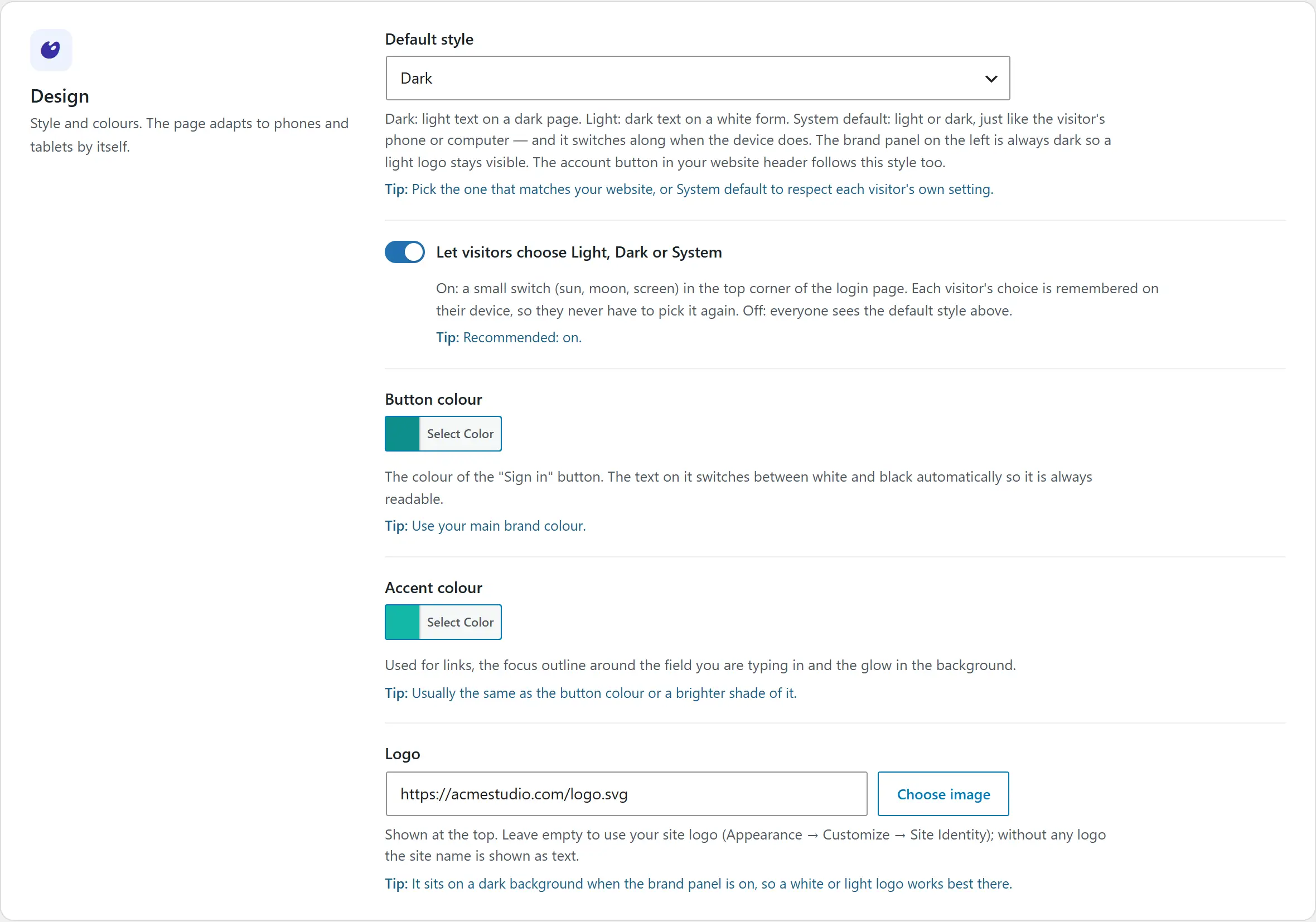
Choose your logo, colours, light or dark style and the words on the page, then preview before you save. Signing in, forgotten passwords and choosing a new password all happen on the same polished page.
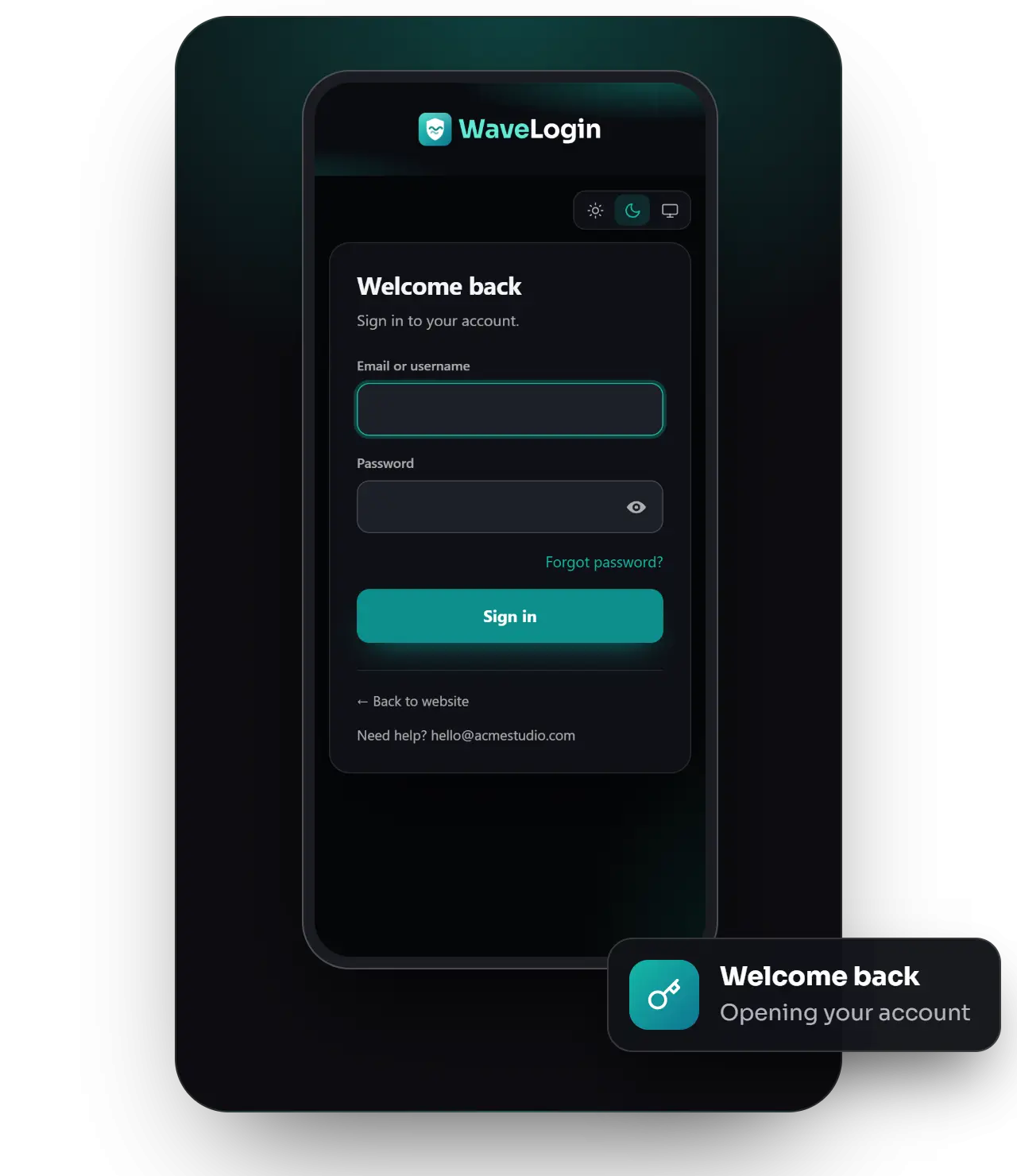
Light or dark, with your accent colour
A brand panel with your message and benefits
Forgot password on the same page
Comfortable on every phone
Security
Locked down onevery route
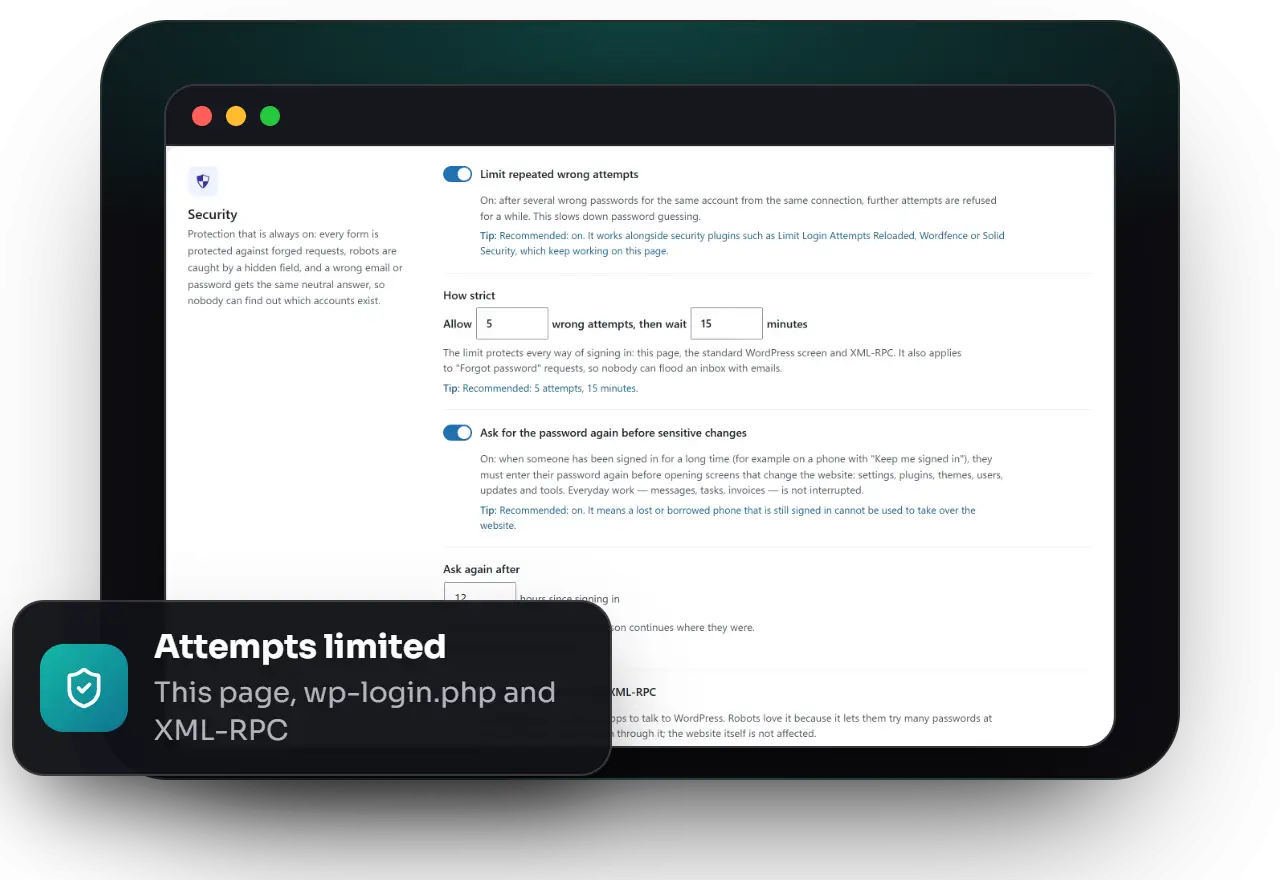
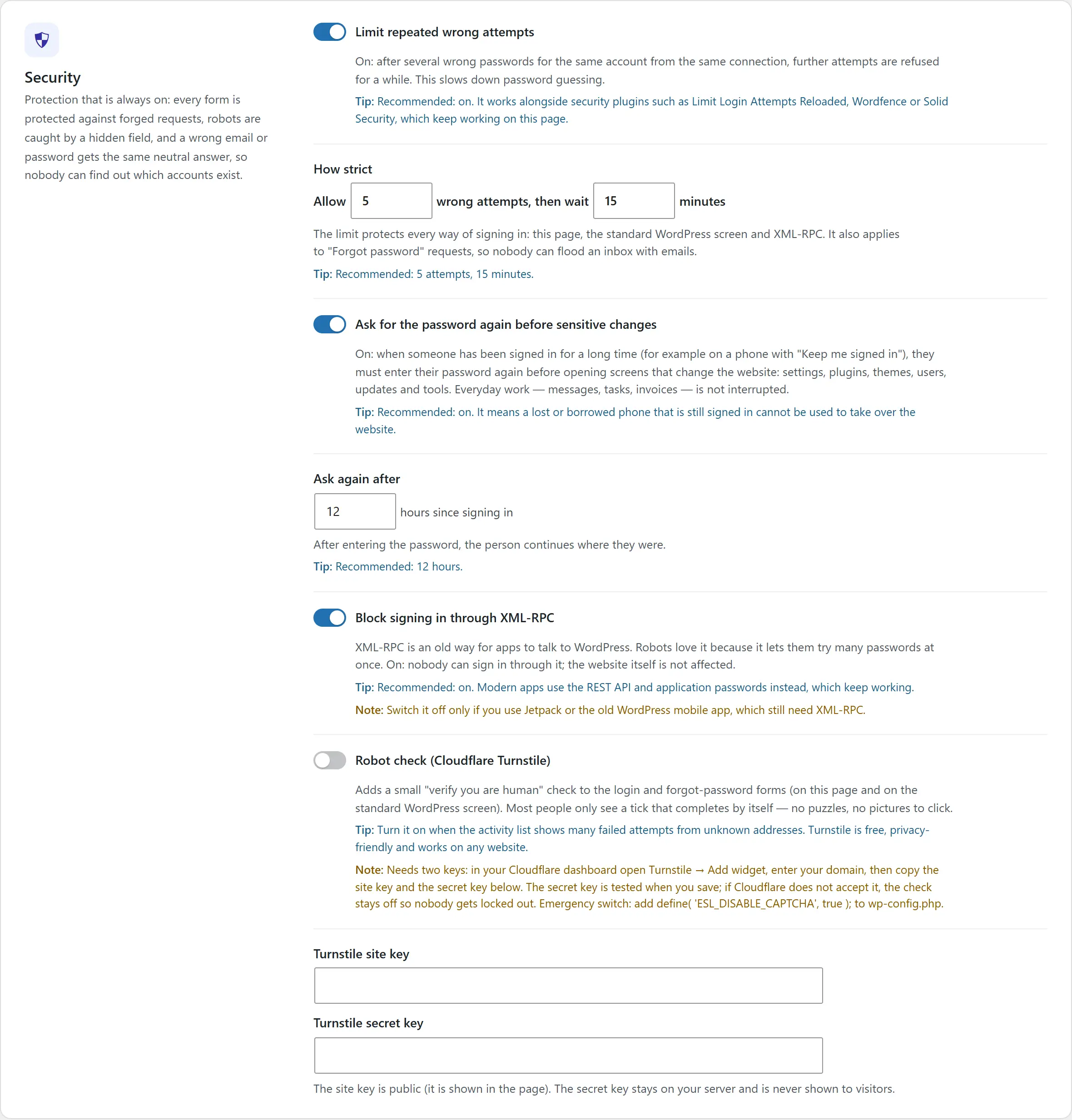
The attempt limit covers this page, the standard WordPress screen and XML-RPC — and password-reset requests too. Add a free Cloudflare Turnstile robot check, allow sign-in by email only, and ask for the password again before sensitive changes after a long session.
Attempt limit on every way of signing in
Optional Cloudflare Turnstile robot check
XML-RPC sign-in blocked
Password asked again before sensitive changes
The right destination
Everyone lands inthe right place
Everyone goes straight to the right place: clients and members to their own area, administrators to the dashboard. Add an account button to your header that shows the person’s initials and their own links once they are signed in.
A destination and button label per role
Links from emails lead back to the requested screen
An account button for your header
A log of every sign-in, with device and time
Everything included
What you get with WaveLogin
Your design, your page
Logo, colours, light or dark, texts and a brand panel — sign in, forgot password and new password on one page.
The right place for every role
A destination and button label per role; links from emails always lead back to the requested screen.
Account button for your header
Shows “Log in” to visitors and the person’s initials with their own area, profile and log out when signed in.
Protection on every route
Attempt limit for this page, wp-login.php and XML-RPC; optional Cloudflare Turnstile; email-only sign-in.
Sign-in activity
Every sign-in and failed attempt with device and address, a “Last sign-in” column and automatic clean-up.
Safe long sessions on phones
Days signed in per role, and the password asked again before sensitive changes after a set time.
Product tour
Take a look inside
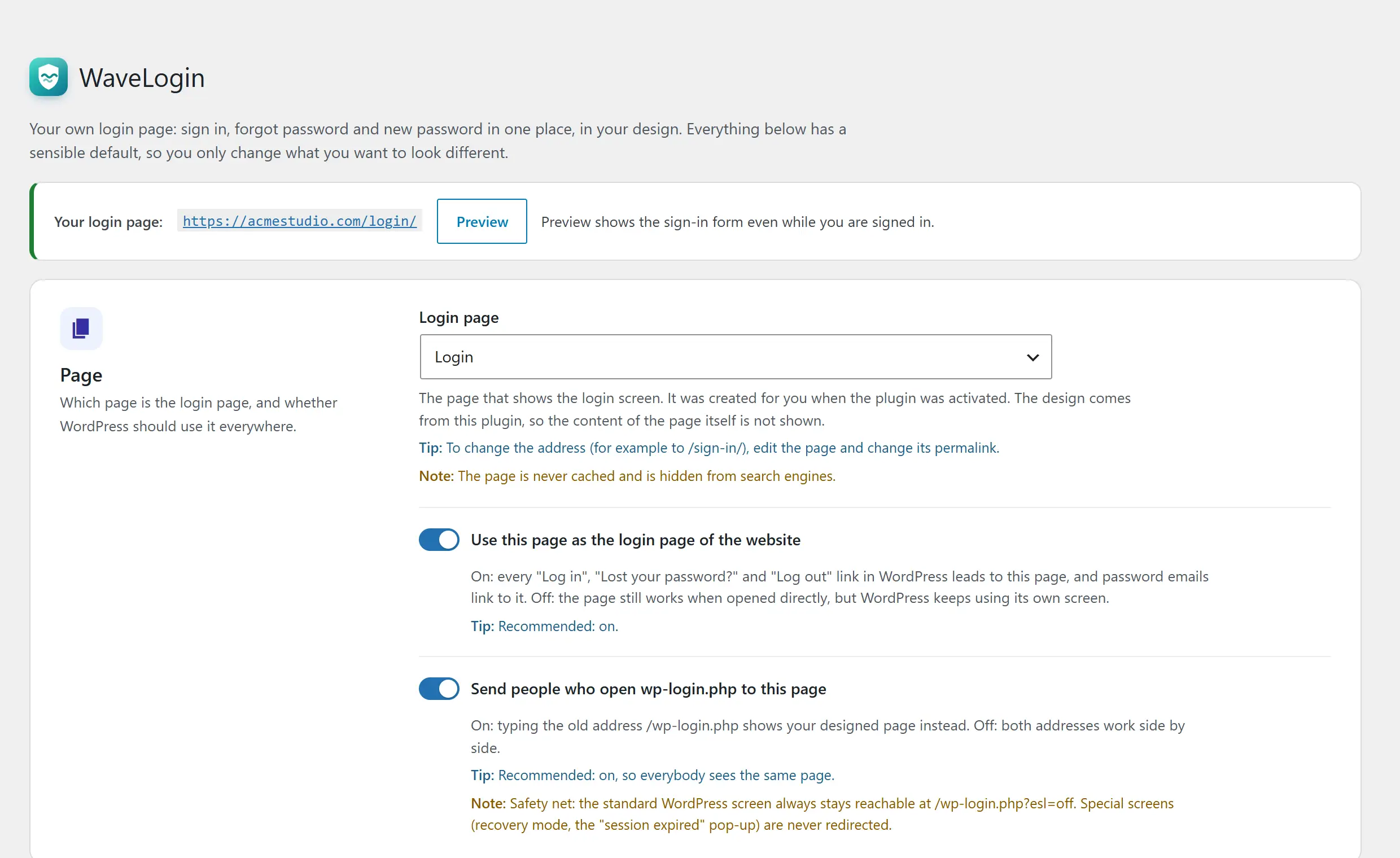
Use the arrows to browse the screens — click any screenshot to see it full size.
No. The standard WordPress login is always available at /wp-login.php?esl=off, and the robot check only switches on after its keys are verified.
Does it work with security plugins?
Yes — plugins that use WordPress’s normal sign-in hooks (for example Limit Login Attempts Reloaded or two-factor plugins) keep working on the new page.
Do I need any other plugin?
No. WaveLogin works on its own on any WordPress website, with any theme. Plugins that send people to their own area after signing in — shops, memberships, client areas — keep working.